Creative Commons License Guide: Free Images, Videos & Music
What Is Creative Commons?
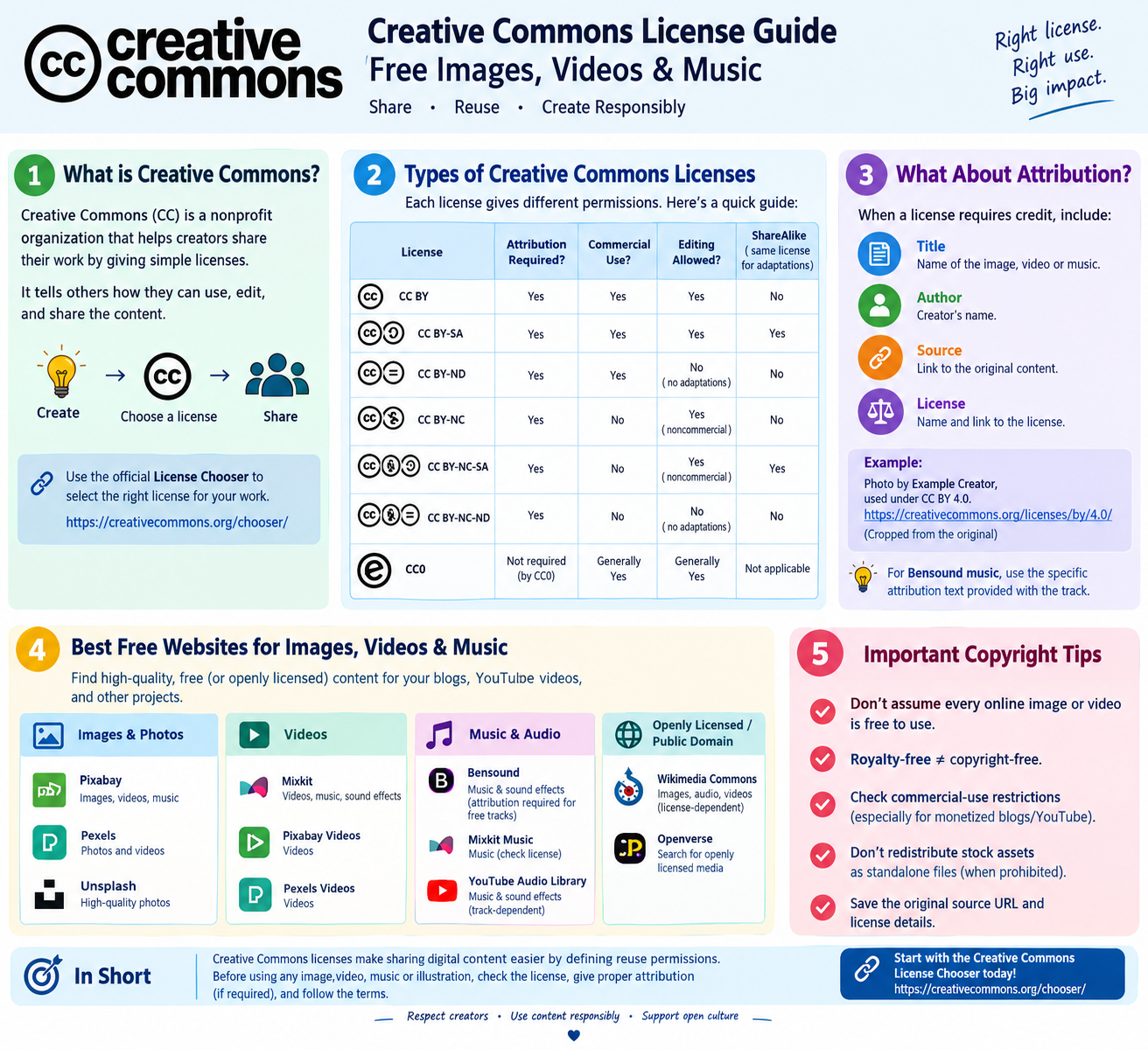
Creative Commons is a nonprofit organization that helps creators share their work by specifying how others can use it.
Whether you publish blogs, create YouTube videos, or design digital content, understanding copyright licenses helps you reuse content responsibly.
Visit the official Creative Commons License Chooser to select a suitable license for your own work.
Do you know which license you need? This tool allow you to choose license
what we do >> Build open infrastructure >> chooser >> Choose a License for Your Work
Follow the steps to select the appropriate license for your work.
https://creativecommons.org/chooser/
Types of Creative Commons Licenses
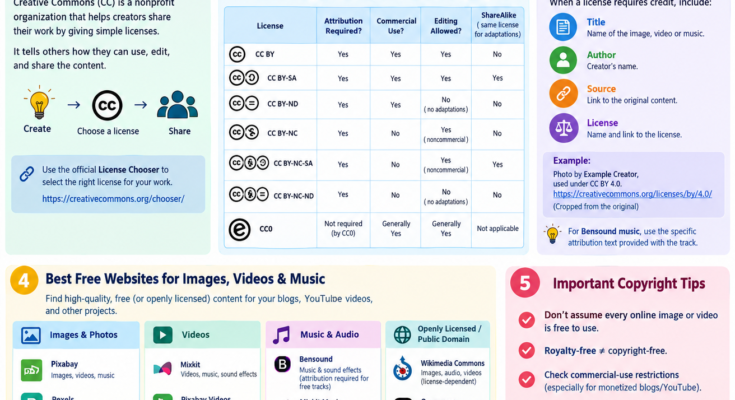
| License | Attribution Required? | Commercial Use? | Editing Allowed? |
|---|---|---|---|
| CC BY | Yes | Yes | Yes |
| CC BY-SA | Yes | Yes | Yes, with ShareAlike conditions |
| CC BY-ND | Yes | Yes | Cannot distribute adaptations |
| CC BY-NC | Yes | No | Yes, for noncommercial purposes |
| CC BY-NC-SA | Yes | No | Yes, under ShareAlike conditions |
| CC BY-NC-ND | Yes | No | Cannot distribute adaptations |
| CC0 | Not required by CC0 | Generally yes | Generally yes |
Important: CC0 is a public-domain dedication tool, not one of the six standard Creative Commons licenses. Always check the exact license and any third-party rights.
Best Free Websites for Images, Videos & Music
| Website | Content | Attribution Required? |
|---|---|---|
| Pixabay | Images, videos, music | Generally no |
| Pexels | Photos and videos | Generally no |
| Unsplash | High-quality photos | Generally no |
| Mixkit | Videos, music, sound effects | Depends on the asset license |
| Bensound | Music and sound effects | Yes for eligible free tracks under its attribution license |
| YouTube Audio Library | Music and sound effects | Depends on the track |
| Wikimedia Commons | Images, audio, videos | Depends on the license |
| Openverse | Search for openly licensed media | Depends on the original license |
How to Give Proper Attribution
A useful attribution format is TASL: When a license requires credit, include:
- T — Title: Name of the work, if available.
- A — Author: Name of the creator.
- S — Source: Link to the original work.
- L — License: Name and link to the license.
Example: Photo by Example Creator, used under CC BY 4.0. Cropped from the original.
For Bensound music, use the specific attribution text supplied with the eligible track.
Important Copyright Tips
- Never assume every image or video found online is free to use.
- Royalty-free does not necessarily mean copyright-free.
- Check commercial-use restrictions before using content on monetized blogs or YouTube channels.
- Do not redistribute stock images or music as standalone assets when prohibited by the license.
- Save the original source URL and license details.
Conclusion
Creative Commons licenses make sharing digital content easier by clearly defining reuse permissions. Before using any image, video, music track, or illustration, check whether attribution is required and whether commercial use or editing is permitted.
Start with the official Creative Commons License Chooser to select a license for your own work.
Disclaimer: This article provides general educational information, not legal advice. Always check the current license terms before publishing third-party content.